❤️ Like this game? Send the dev some support through the links above. Free games keep going when players help out: every contribution pays for more updates, more scenes, the next release.
Notice for the Beat Banger dev: every link on this page should point to the free public build of the game. If something here is anything else, send us an email at contact [at] furrynsfwgames.com and the page will be edited or removed right away.
Copyright and Terms
Furry NSFW Games is a free directory. We point at the developer's own public files for Beat Banger, wherever they are: F95 release threads, itch.io pages, free Patreon builds, the developer's official site. We do not host, repackage or modify any downloads.
If you are the developer of Beat Banger and want the page removed or fixed, email us at contact [at] furrynsfwgames.com with proof you are the dev and tell us what you want changed. We are not here to fight you, we will remove or edit the page, no questions asked.
For visitors: every download link points straight to the original host file. Nothing is added, modified or injected by us along the way.
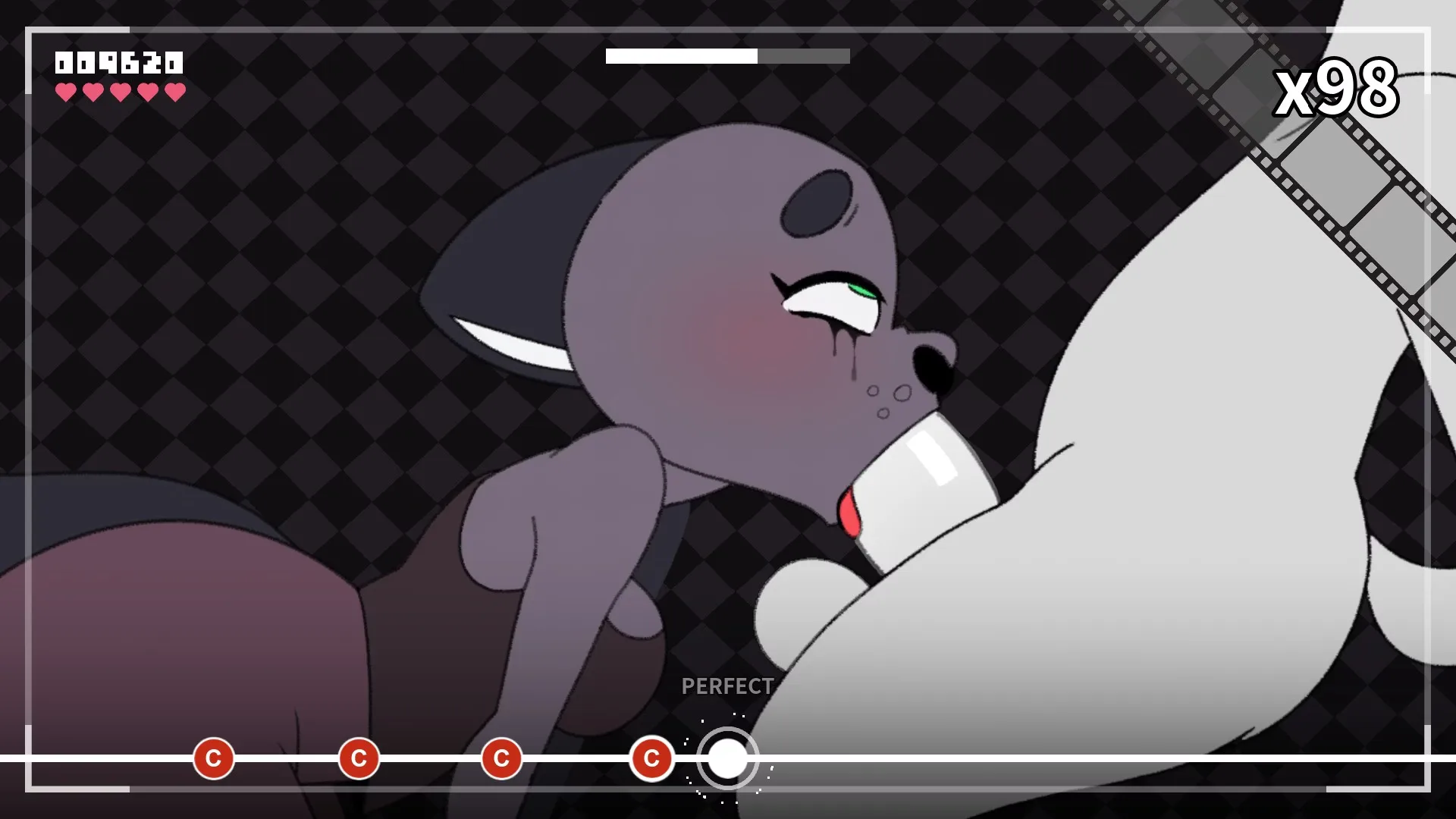
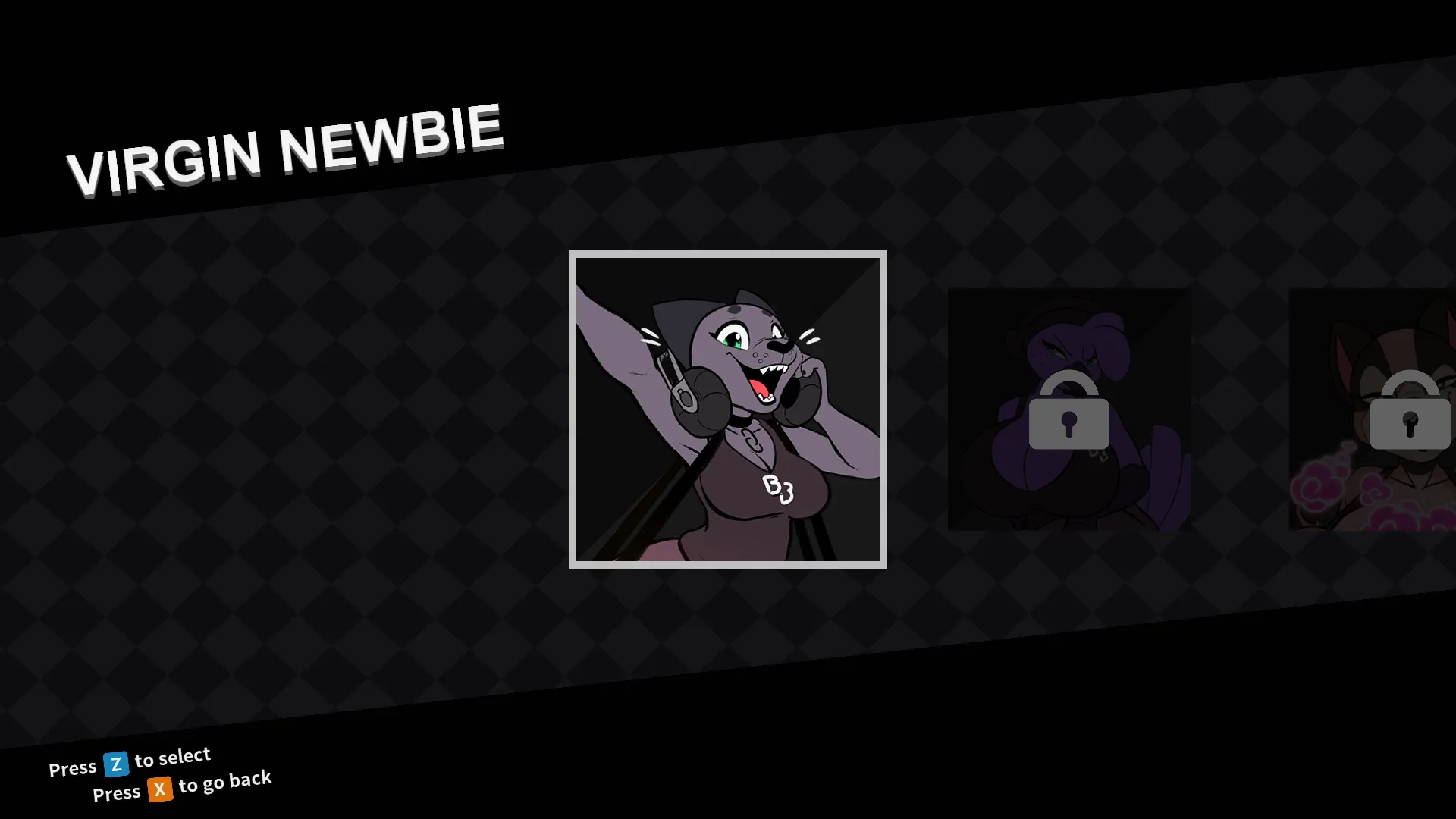
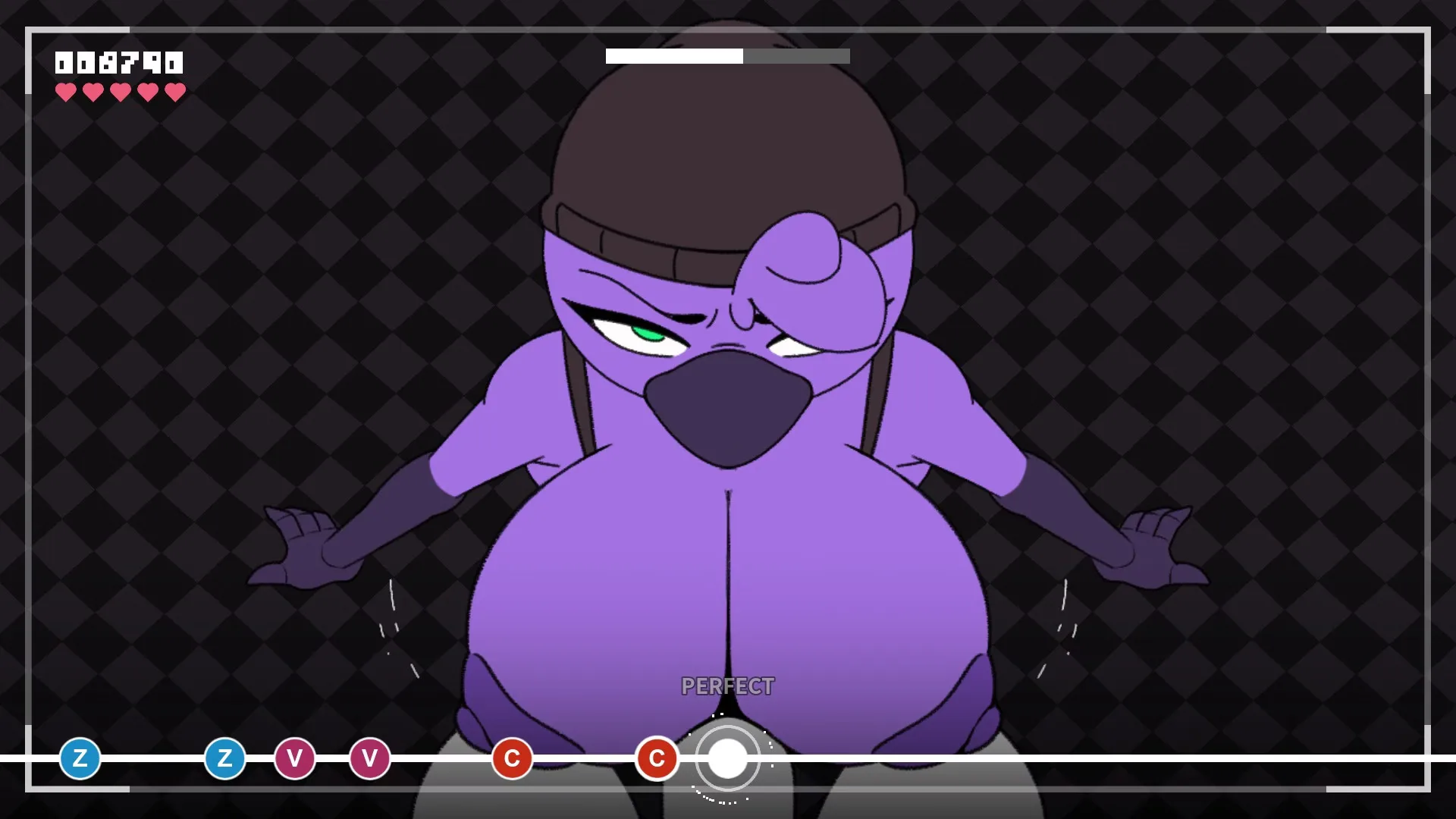
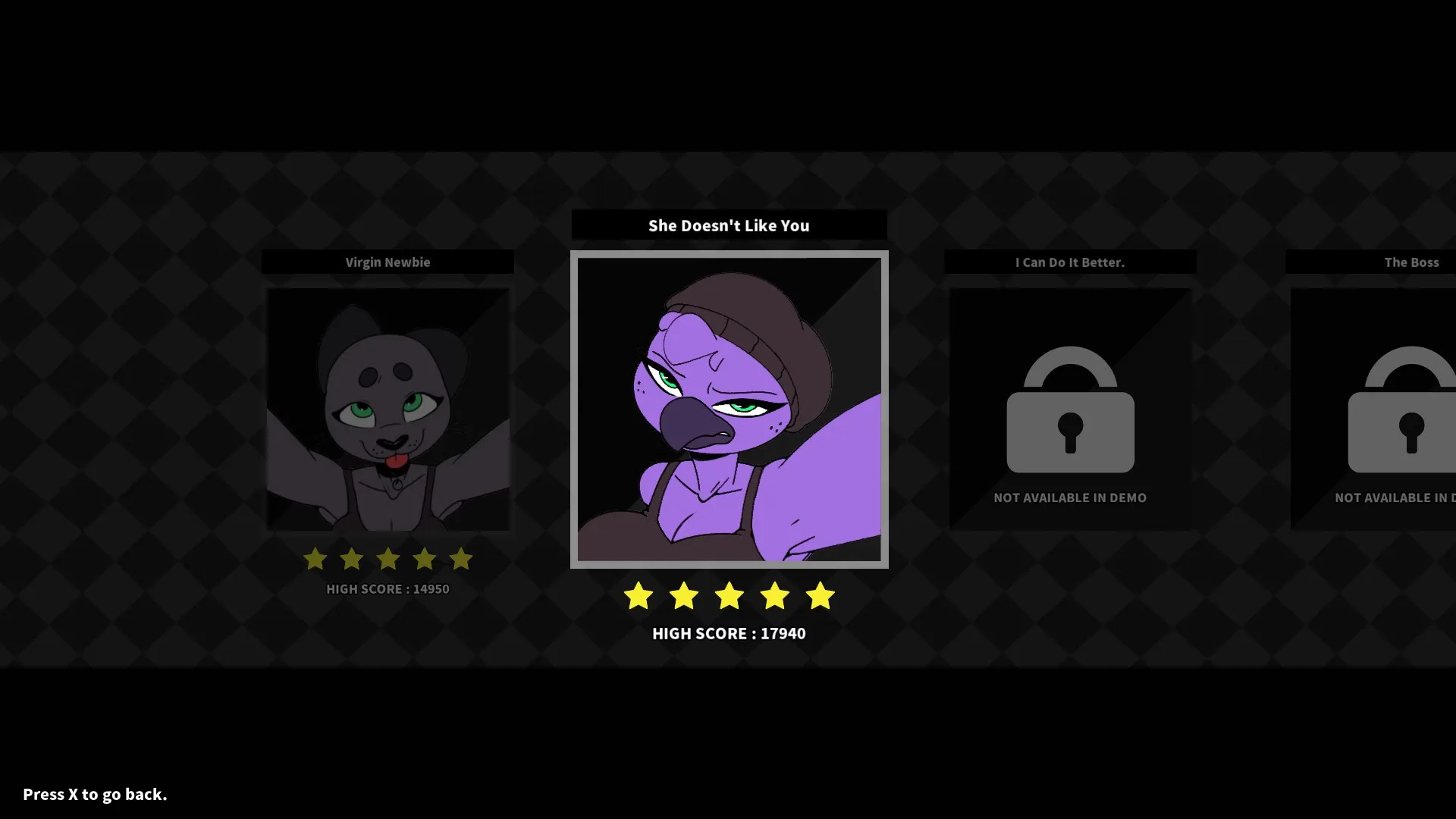
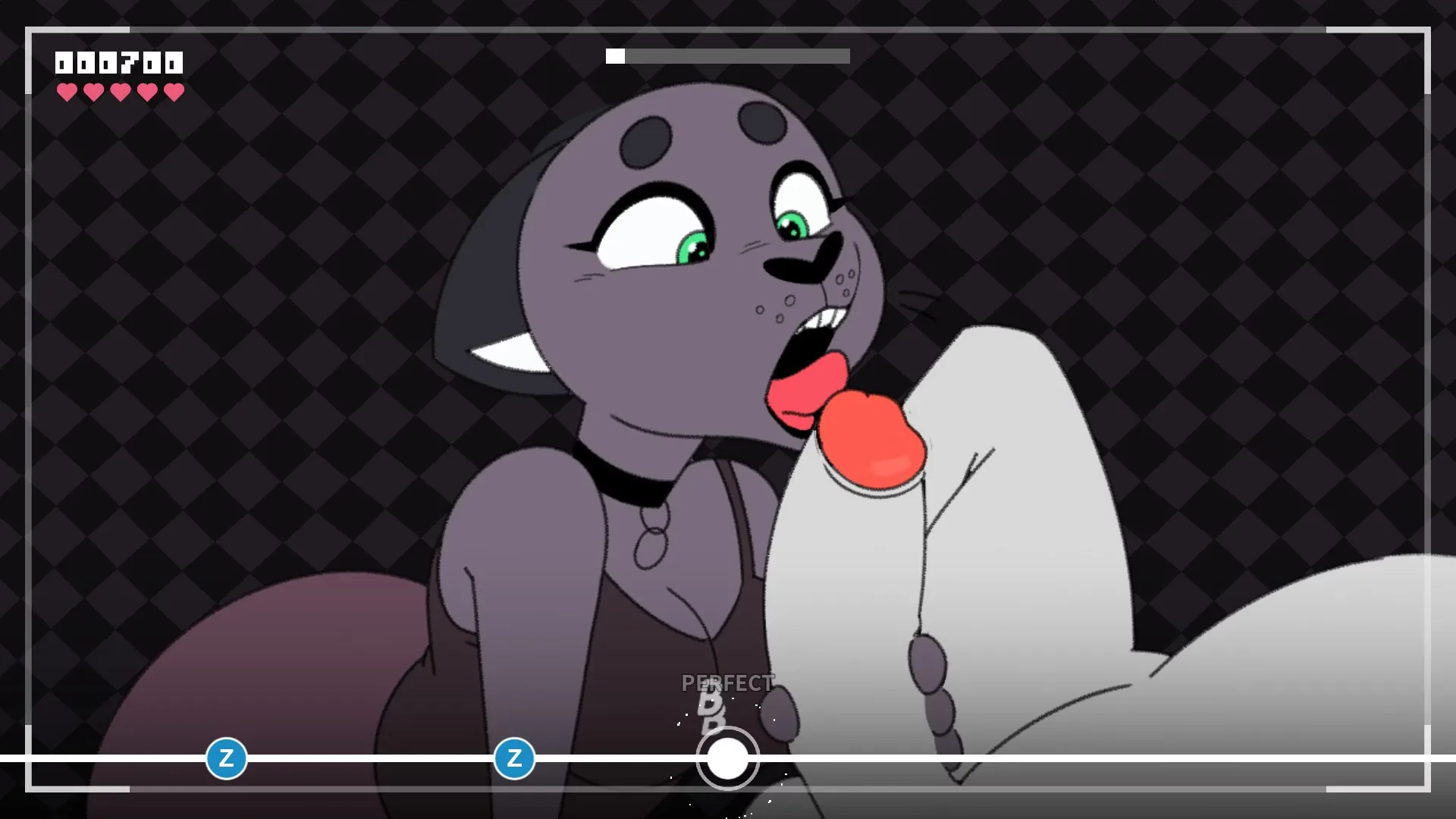
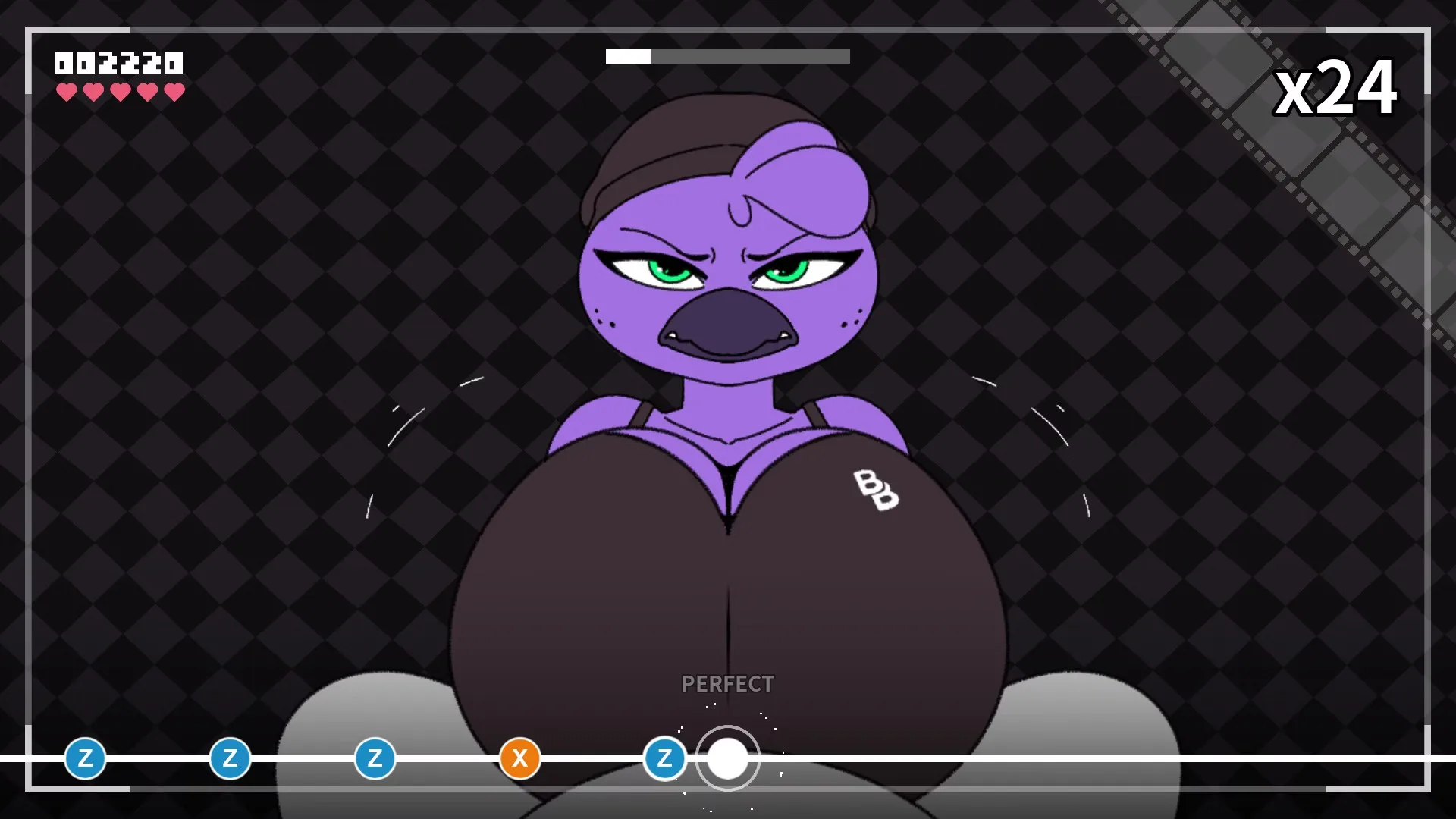
Beat Banger is a BunFan Games NSFW rhythm game built on Godot, with Steam release. The 2DCGfurry title runs anal, animated, big ass, big tits, creampie, monster girl, strategy and titfuck content through rhythm-game mechanics. Voiced scenes, simple controls, a clean evening play. A polished furry porn game for fans of rhythm-flavoured smut.
Changelog
v26w14
CATHY'S VOLUME 2 LEVEL IS FINALLY HERE. We wanted to try something different this time around when it came to the animation quality. Sure enough, it paid off, but it took much longer than we expected. We were a bit overly ambitious with her level, but we wanted to try adding two cum scenes. And now that we know how long it takes to produce that sort of detail, we will take steps to maintain our quality. But... do it just a little bit faster this time. Collectables A while ago, we conceptualized a Gachapon machine in Jasmine Shop that lets you collect items using tokens. We scrapped the Gachapon machine idea because it was too convoluted and just gave players collectible items for doing things throughout the game. You can gain some collectables by beating certain levels or by clicking certain things in certain menus. Not all the collectables are available yet, but each one has a short description that ties together a couple of things related to beat bangers lore. Calibration (BETA) Are the music and the notes just not lining up correctly? Well, we've got a solution that's currently in beta. By going into the Escape menu and going into the Gameplay settings, you'll see a button for a calibration menu. There, you can adjust the delay in milliseconds between your audio and video so your notes line up better. Up Next... Up next is Makayla's level. We're taking a lot into account this time to try and get the animations done a whole lot quicker than Cathy's. We appreciate everyone who stuck around for the development of this game. It's been super stressful getting to this point, but we're slowly but surely getting closer to being done. Known Issues Sometimes the theater won't load cutscenes properly.
Some collectibles are currently unachievable. We're working on putting an indicator on those.
Let me know if you guys find any bugs that aren't listed here. There's a little bug reporting button on the main menu if you find something.
v5.0
Massive UI Overhaul It took a lot of work, but we finally made it so you can use your mouse to navigate throughout the entirety of Beat Banger! Gone are the days of not being able to use your mouse to navigate the menu! We've also improved the way controllers work on menus. We've also given the main menu a new look featuring Zoe. We'll soon be adding more characters to the main menu, and we hope to have more creative and interactive interfaces in the future! We've also completely overhauled the hot menu to be more mouse-friendly and less intrusive. A few options from the old menu are missing, such as the glyph override control; however, we'll add them back shortly. Rank and (S)EXP Beat Banger now includes tracked experience value, which gives you a title for being the best Beat Banger around. This value unlocks things gradually throughout the game, as well as provides a mechanism for unlocking content in later updates, such as secret levels and character interactions that wouldn't be possible otherwise. Rank Titles You can gain (S)EXP from unlocking achievements, playing official levels, and even from playing mods! Beating official levels ranges from 50 to 100, depending on difficulty. It shouldn't be too difficult to unlock everything quickly. We may add more ranks for higher XP values down the line. Fan Art Gallery We've added a fan art section to the In-Game Gallery to allow community members to show off the fantastic fan art they've made! The images in the gallery are just the beginning, as we plan to add more in future updates. Additions Added ranks and experience system
Added mouse compatibility
Added in-game mod browser!
Added themed mouse cursor
Added fan art to the gallery
Added Patreon art to the gallery
Added themed hot menu border
Added credits menu scrolling
Added 2k resolution support
Added gameplay options to the hot menu
Added skip cutscene option in hot menu
Added reset settings function
Added Intiface Instructions
Added lore to character menu
Changes Updated to v50 ✨
Updated engine to Godot 4.5 Stable
Updated locale
Updated main menu to include Zoe!
Updated options menu
Updated achievements menu
Updated scene viewer UI
Updated shop UI
Updated in-game glyphs
Improved menu sound effects
Improved level unlocking system
Improved system for finding controller type
Improved loading times on initial level load
Made some achievements easier to obtain
Removed Removed mod folder from game directory
Fixes Fixed crash on splash screen for new players
Fixed the mod extraction double folder issue
Fixed the scene viewer skipping Dawna
Fixed scene viewer audio desync issues
Fixed the mods folder being deleted on clear save
Fixed level editor not recognizing files with capitalized file extensions
Fixed level editor seekbar not handling Page Up / Down inputs
Fixed unintended behavior caused by multiple keybind assignments
Fixed effects not loading in-level properly
v4.9
U3 We recently updated the Godot engine to Godot 4.5 Beta 5, which should fix the issue where the game would refuse to launch and show a message saying "A CPU with SSE4.2 Instruction set support is required." Charts have been reverted back to old conventions
v4.9
U1 Additions Added difficulty icons to Zoe Vol 2 Added toy mode toggle in level editor Added a button for creating audio bank nodes in level editor Fixes Fixed tooltip for level editor record mode Fixed Zoe Volume 2 Game Over Graphic Missing Fixed Vol 2 theater scenes not unlocking Fixed toy toggle in level editor affecting main game Fix modifier menu not working in mod levels Fixed scene viewer spoofing levels in base game Changes Better hotkey instructions FINALLY FIXED THE STUPID FUCKING UNLOCK BUG v4.71U1 I've reworked the shop's functionality to enable players to access different sections more easily and provide for greater UI flexibility in the future. There are a couple of bugs and known issues regarding the camera movement and its effect on unrelated menus. So be aware that it might happen. The team and I have been discussing better ways to navigate menus, so that you can expect a few changes on that front in future updates.
U3 Added scrollbar for editor timeline Added open mod folder button
Installation
1. Extract and run.
Cheats
In order to use cheats, you need to press "F2" to open up the console and enter one of the following commands: Spoiler: Commands ping = Returns "Pong!" hello = Returns "Hey!" clear = Clears the console window of entries history = Returns previously entered text in the form of an array (sorted form most recent to least recent) reload = Reloads scene (Highly recommended not to use during level, currently softlocks game) handsfree = Automatically activates notes (Also sets "clean_game" to false, resulting in no progress, money, score, etc.) nofail = missing notes does not take your hearts away (Does NOT effect "clean_game" stat) hidehud = Toggles all hud element visibility fail = Forces FAIL event end = Skips to end of level (If "handsfree" was used, the command will go back to level select, otherwise it goes to successful level end screen and subsequent cutscene) clearsaveonly = Resets save data (Shop purchases, money, level progress) clearalldata = Resets all game data (Save Data and Options) resetsteam = Resets Steam Stats (No noticeable effect currently) opendata = Opens user data directory (The directory your save file and settings are located in) logs = Opens beat_banger.log file givemoney [int] = Adds [int] to your current money amount (e.g. "givemoney 1500" returns "Gave player $1500" and adds $1500 to total money) setstartingbeat [float] = Used before entering a level, offsets starting beat (and subsequent beats) by [float] seconds calculatebeat = Honestly, not really sure how to use this command rewind -[int] = Reloads level at [int] note. Note: "-" is required before [int] otherwise command leads to softlock setnotespeed [float] = Sets speed at which notes appear from off screen [Default value is 350, I don't really recommend changing this, some values can lead to a softlock saveload = Saves game, then loads game freecandy = Unlocks all levels (Must use on level select screen [Unlock state gets cleared after leaving screen, to permanently unlock all levels, complete last level and previous levels will be unlocked]) goto [scene_name] = Jumps to [scene_name] Spoiler: Scene Names intro (Jumps to developer splash screen and subsequent "warning" screens) warning (Jumps to "Warning" screens) mainmenu (Jumps to "Main Menu" screen) levelselect (Currently jumps to Act1 level select menu) mods (Jumps to "Mods" screen) cutscene (Jumps to selected level's end cutscene) game (Jumps to last played character level [Very buggy, no real reason to use this, instead use "loader"] ) loader (Jumps to selected level load screen, starting level from the beginning without issue) gallery (Jumps to "Gallery" screen) modifiers (Jumps to "Modifiers" screen) scorescreen (Jumps to selected level's ending score screen) soundtest (Jumps to "Sound Test" screen) pointshop (Jumps to "Shop" screen) extras (Jumps to "Extras" screen) credits (Jumps to "Credits" screen) demo (Jumps to "Thank you so much a-for-to playing my game" splash screen) error (Opens log file in game window)




 Steam ·
  Patreon ·
  Itch.io ·
  Discord ·
  Twitter ·
  Website
Updated: 2021-06-10
Website
Updated: 2021-06-10

 BUZZHEAVIER
 DATANODES
 MEGA
MEGA PIXELDRAIN
 VIKINGFILE
 Cheat
Cheat